SCRUMBUN: A New Agile Method for Easy Project Management

Is your team’s project plan a source of stress, with new requests and shifting deadlines turning your to-do list into a wish list? If you want to bring calm to the chaos, you’re in the right place.
Managing a project is like planning a big dinner party: you need a recipe (the plan), but you also must adapt to unexpected changes. This conflict between structure and flexibility is a core challenge that the Scrumban methodology was designed to solve.
As a simple hybrid agile model, Scrumban gives you clarity without rigidity. You don't need complex software or certifications to start—it’s about creating focus and control with a new way of seeing your work.
Why a Train and a River Make the Perfect Project Team: Understanding Scrum vs. Kanban

To understand Scrumban, let’s look at its two parents. First, there's Scrum, which is like a train on a fixed schedule. It works in short, focused bursts called Sprints to get a predictable amount of work done. This structure is powerful but struggles with surprises that threaten to derail the plan.
Then you have Kanban, which is more like a river. It’s all about continuous, visual flow—tasks move smoothly from "To-Do" to"Done" as capacity opens up. This system is incredibly flexible, but without a set schedule, it can sometimes meander without a strong sense of urgency.
Scrumban takes the best of both. You get the train's powerful engine (the planned Sprint) to provide focus and the river's adaptability (the visual board) to handle change. This gives your team structure without rigidity, creating a clear path to getting things done.
Step 1: Gain Instant Clarity with a Simple SCRUMBUN Board
To make your workflow visible, you need a centerpiece: the Scrumban board. The most effective scrumban board examples and setup often start with just a whiteboard. Draw three columns—To-Do, Doing, and Done—and write each task on its own sticky note. This simple act turns an invisible pile of work into something tangible the entire team can understand at a glance.
As work begins, a team member moves a task's sticky note from "To-Do" to the "Doing" column. When complete, the note slides into "Done." This visual scrumban process flow guide immediately replaces confusing email chains and long status meetings. Instead of asking for updates, anyone can just look at the board to see a task's exact status.
This transparency builds trust and accountability. Whether your team uses a physical board or one of the best scrumban software tools for remote work, the result is shared understanding. Now that you can see the work, the next step is to bring focus to it.
Step 2: Create Powerful Focus with Two-Week 'Sprints'
A long 'To-Do' list can still feel overwhelming, which is why Scrumban borrows a powerful idea from Scrum: the Sprint.
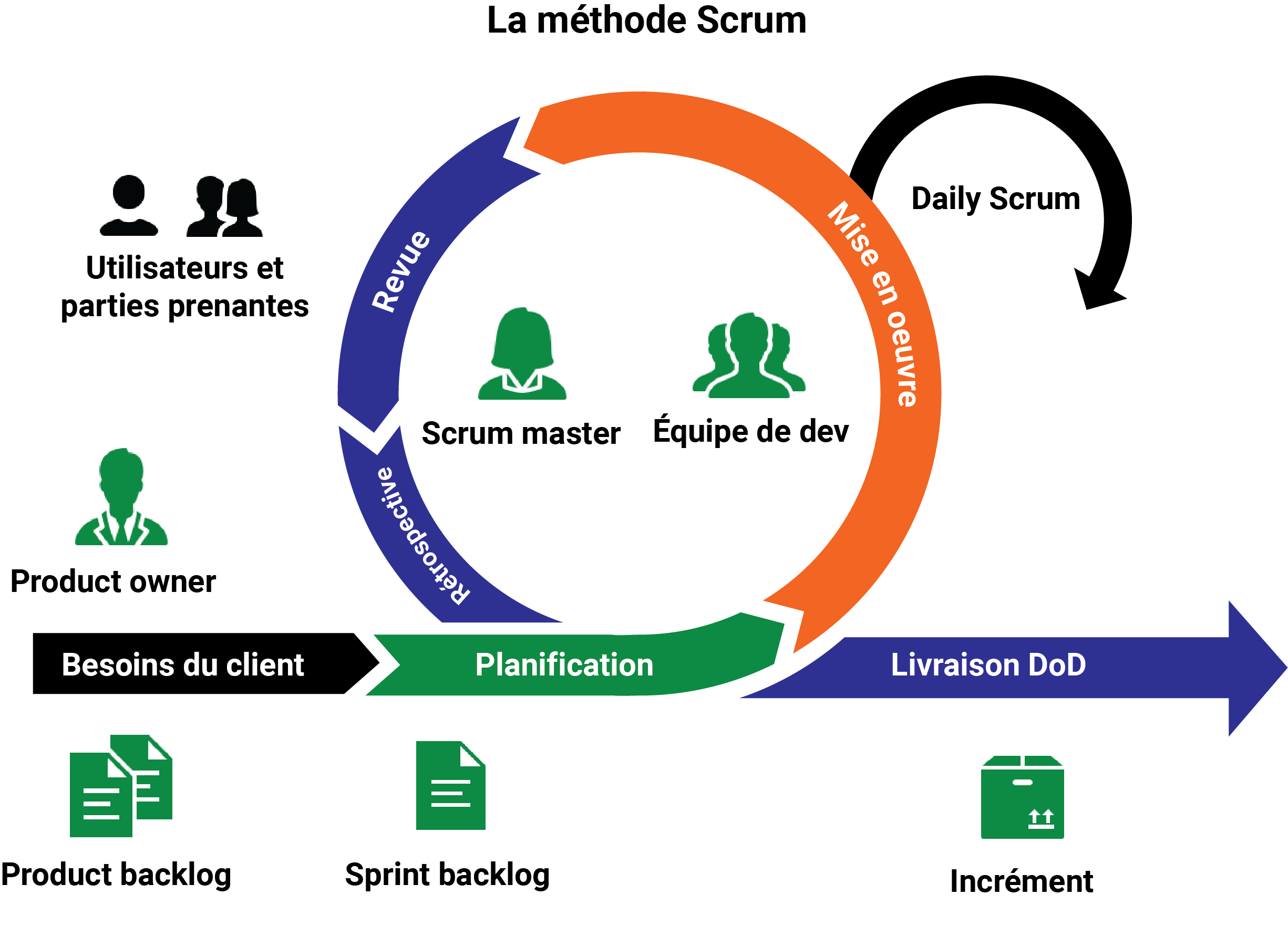
Think of a Sprint as a short, protected work cycle—usually one or two weeks—where the team commits to finishing a specific batch of tasks. It’s a key part of how to implement scrumban step-by-step: first you see the work, then you decide what to focus on right now.
The Sprint acts as a shield against distractions. For those two weeks, the team has a clear mission, and the rule is simple: no new work gets added unless it's a true emergency. The planning at the start is one of the most effective scrumban ceremonies and meetings; it empowers your team to prevent constant priority shifts and finish what they start.
To begin a Sprint, the team pulls just enough tasks from the 'To-Do'column to achieve a small, clear goal, like "Send event invitations."This focused approach builds momentum and delivers results, and it's useful for any group, not just scrumban for development teams.
Step 3: Stop Starting, Start Finishing with a 'WIP Limit'
When a team juggles too many "in-progress" tasks, everything slows down, like a traffic jam. Scrumban solves this with a simple but powerful rule from Kanban: a Work in Progress (WIP) Limit. This is a cap on the number of tasks allowed in your ‘Doing’ column at any one time.
This small constraint has a surprising effect: it forces team members to help each other finish existing tasks before starting new ones. This focus on completion is one of the biggest benefits of hybrid agile models, as it stops bottlenecks before they start. The secret is that by doing less at once, your team finishes more work, faster.
So, how do you set one? Start with this simple rule:
Your WIP limit for the 'Doing' column should equal the number of people on your team.
If you have four team members, your WIP limit is four. Once four tasks are in the ‘Doing’ column, no one can pull a new task until one is moved to ‘Done’.
Putting It All Together: A Small Business Plans an Event with SCRUMBUN
Imagine a three-person bakery team planning a holiday pop-up shop. For their first two-week Sprint, they set a goal: "Finalize all event logistics." They create a board with three columns: To-Do, Doing (WIP Limit: 3), and Done.
On day one, Sarah pulls "Confirm Venue" into the ‘Doing’ column. Later, Mark starts on "Design Flyers," moving that task over. The board instantly shows who is working on what.
Soon, a third task, "Order Supplies," is moved into 'Doing', maxing out their WIP limit. Now, even though another team member is available, they can’t start a new task. Instead, they see Mark is stuck on the flyer design and jump in to help finish it. This illustrates the final step: forcing teamwork to get things done.
By focusing on finishing tasks together, the team avoids the chaos of half-done work. The Sprint provides the goal, while the board and its WIP limit bring calm, focused order to their daily efforts.
When Is SCRUMBUN the Right Choice for Your Team?
Scrumban shines when your team juggles planned projects with unexpected tasks, like a marketing team launching a campaign while handling urgent social media requests. It provides structure for big goals without falling apart when surprises arrive, making it great for content creation, operations, and support teams.
Its real strength is managing this unpredictable flow. By prioritizing finishing work, your team can absorb an urgent task, complete it, and then smoothly return to the plan. This makes it ideal for any team where interruptions are part of the job.
However, there are disadvantages of scrumban. If your work is highly predictable and linear, like on an assembly line, a more rigid plan may be better. Scrumban is for when your team needs flexibility, not a fixed track.
Your First Step to a Calmer, More Organized Project
Project chaos doesn't have to be the norm. You have a clear path from confusion to clarity, turning overwhelming days into accomplished ones.
Your first step is simple. This week, grab a whiteboard and draw three columns: "To-Do," "Doing," and "Done." That visual board is the only tool you need to begin.
See this as a one-week experiment, not a rigid doctrine to master. You have nothing to lose but the stress of last-minute panic and everything to gain in shared accomplishment.
SCRUMBUN and LUCKiwi: The Winning Combination
With LUCKiwi, implementing SCRUMBUN becomes a breeze. Our tool helps you:
- Create intuitive Kanban boards to visualize your tasks.
- Plan your sprints and prioritize tasks efficiently.
- Track project progress with precise indicators.
With SCRUMBUN and LUCKiwi, boost collaboration and productivity of your teams, all while simplifying project management.
Why Wait to Try SCRUMBUN?
SCRUMBUN is not just an agile method; it’s a true work philosophy that prioritizes adaptability, collaboration, and efficiency. If you want to achieve your goals while keeping your team motivated, SCRUMBUN is the solution you need.
And with a tool like LUCKiwi by your side, adopting SCRUMBUN has never been easier. Ready to revolutionize your project management? Try our features today and see for yourself how SCRUMBUN can transform your professional life!